AI left the chat box this week. Here are five things I made with it.
A weekly field note from Art of the Possible: what shipped, why it matters, and the lever you can copy.
Read onlineAI stopped being a chat window this week. It watched a workday, spoke back in real time, rebuilt a website and rewired an information diet. The common thread is that the model is disappearing into the tool. You notice the result before you notice the AI.
These are the five things I made to understand that shift. I have kept the useful bit from each one: the repo, the template, the workflow, or the honest version of what it took to ship. Start with whichever one solves a problem you actually have.
This week's five
01Your workday can write itself.Local AI02The shortcut to an animated website.Build this03Nine million follows reveal who shapes tech.Follow the signal04The content engine has a human inside.Rich's corner05Open voice AI already feels live.Open voice AIYour workday can write itself. No timers required.
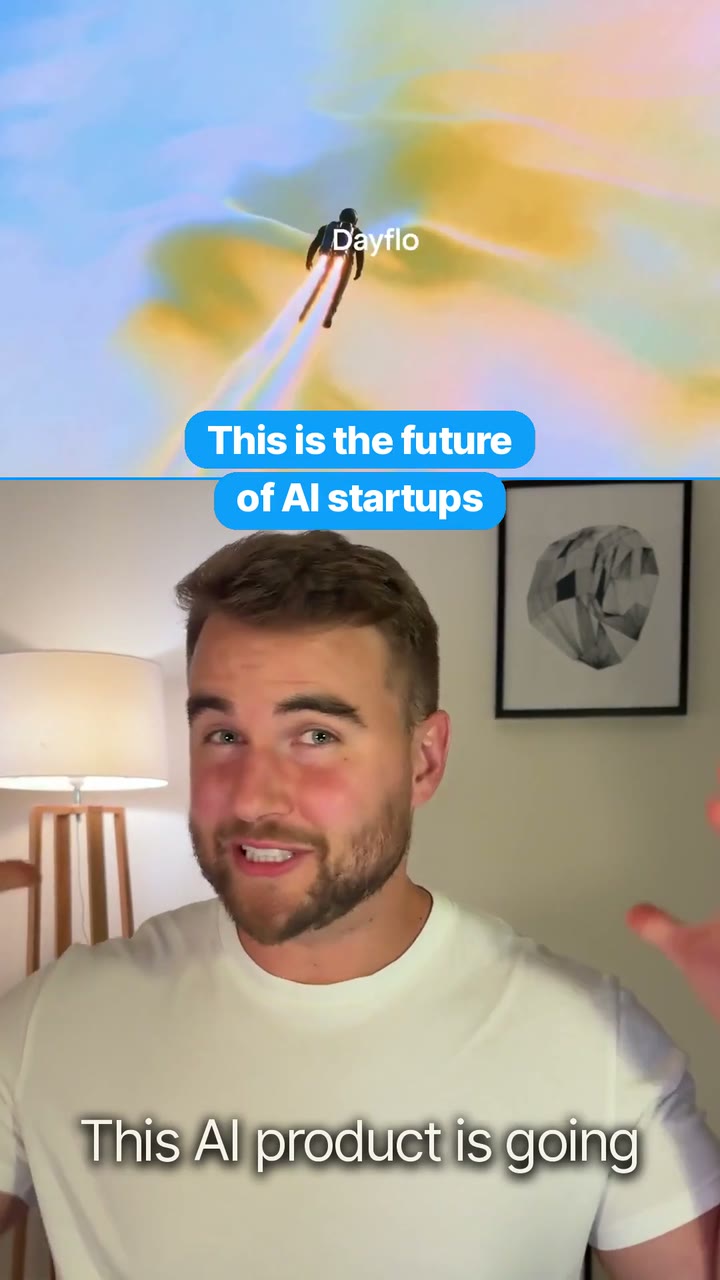
Dayflow turns everything you did on your Mac into a useful journal, without asking you to log a thing.
What shipped
Dayflow is an open-source Mac app that watches your screen in the background and writes the journal of your workday. No timers, tags or notes. It reconstructs the day as a clean timeline of what you were actually doing.
You can choose a local model through Ollama or LM Studio, which keeps the analysis on your machine. Cloud providers are optional, not required.
Why it matters
The interesting part is not another productivity dashboard. Local models can now make sense of sensitive personal context without shipping it to somebody else's server. That unlocks software that works precisely because the AI lives with you.
- Passive products beat habits that depend on remembering.
- Local is a capability choice; cloud providers remain optional.
Install the app, run the local-model path, then treat its timeline as a starting point for the workflow you wish your computer understood automatically.
Open it ↗The shortcut to an animated website. Iteration beats prompting.
The best AI websites rarely begin with a blank prompt. They begin with taste, a proven template and a good substitution brief.
What shipped
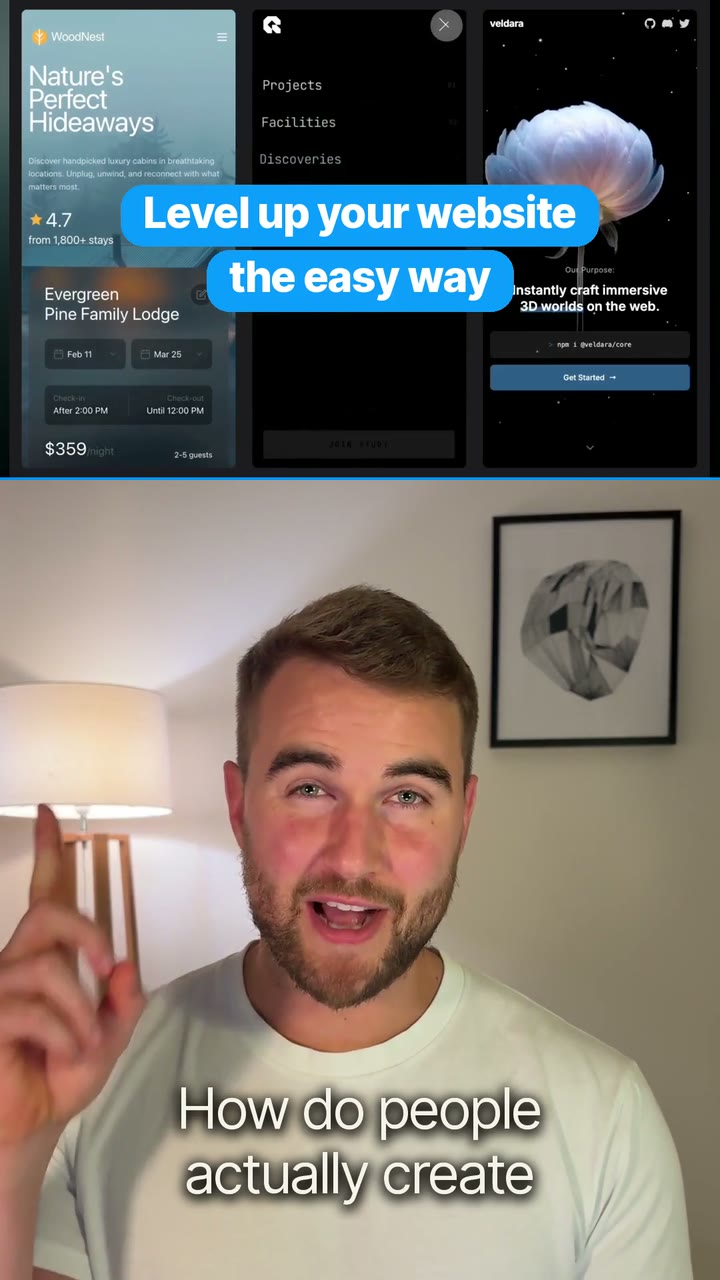
I used a three-step workflow to make the animated newsletter page you are looking at: Pinterest for direction, Midjourney and Gemini for the visual assets, then a proven motion prompt from motionsites.ai.
The final step was deliberately simple: paste the template into Claude and tell it exactly which images and video should replace the placeholders.
Why it matters
AI rewards iteration and art direction more than heroic one-shot prompting. Starting from a strong structure lets you spend your time choosing and refining, rather than persuading a model to rediscover a pattern somebody already solved.
- Use Midjourney for divergent visual exploration.
- Use Gemini for precise edits and video generation.
- Use Claude to adapt the implementation, not invent the whole brief.
1. Find the visual direction. 2. Borrow a motion pattern that already works. 3. Ask Claude to swap in your assets without changing the interaction model.
Open it ↗Nine million follows reveal who shapes tech. Rebuild your feed around them.
Digg used the X social graph to rank the people whose followings carry the strongest signal across AI, startups and investing.

What shipped
Digg mapped roughly nine million follow relationships to show how the tech community connects. The ranking surfaces people, companies and politicians actively shaping technology, with category views for AI, founders, investors and more.
The useful surface is the ranking itself: a set of names and categories you can use to rebuild a more deliberate information diet.
Why it matters
The editorial bet is information timing: a feed built around people doing the work should expose you to stronger ideas earlier than a feed optimised for mass reach. Curating your inputs remains one of the highest-leverage ways to improve what you know.
- Ranked followers are a different signal from raw audience size.
- Digg does not publish the exact gravity formula, so treat it as discovery rather than truth.
Pick one field you want to understand, open the matching category, and follow the first ten people whose work is genuinely relevant. Do not copy the whole leaderboard; build a deliberate signal set.
Open it ↗The content engine has a human inside. Take fourteen.
Teaching people about AI and startups also means repeatedly forgetting how sentences work in front of a camera.

What shipped
This 32-second compilation is the honest layer underneath the polished explainers: missed lines, resets and the strange reality of becoming an on-camera creator because you wanted to teach what you were building.
It is lighter than the four builds above, but it belongs in the week because it is what shipping the other four actually looked like.
Why it matters
A repeatable system should make the work easier without pretending the work is frictionless. Showing the resets is part of building in public, and a useful antidote to the idea that everybody else ships perfectly on the first take.
- Friction is evidence, not a personal defect.
- A good system preserves the human parts worth sharing.
Save the resets. The failed takes are useful feedback on the script, and occasionally they are the most human thing you made all week.
Open it ↗Open voice AI already feels live. The interface is changing.
A real-time Hugging Face demo can hold a fast conversation, search the web and reason over a screenshot.

What shipped
I tested an open-source real-time voice workflow rather than another polished assistant demo. In this test it responded quickly, searched the web, read a screenshot and moved between tasks without forcing the conversation back into a text box.
That is enough to imagine the next layer: tutors that can see the work, accessibility tools that can explain a screen, and home assistants that are useful because they understand context.
Why it matters
The demo suggests voice stops feeling like a novelty when latency gets low enough and the model can use tools. The interaction becomes closer to directing a collaborator than dictating into software.
- Low latency changes what users are willing to say aloud.
- Tool use matters more than a perfect synthetic voice.
Use a working real-time voice Space or repository as the harness, then add one narrow tool that makes the conversation useful for a real job.
Open it ↗